




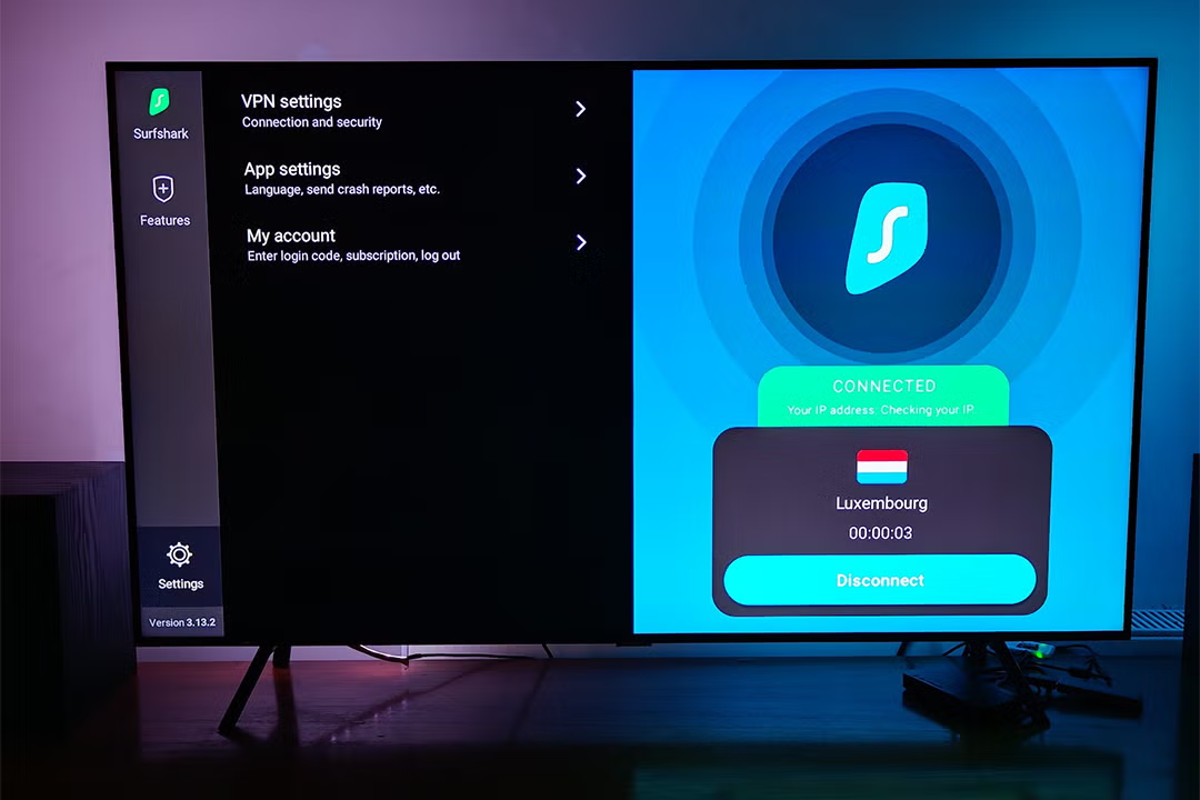
I absolutely love my Amazon Fire TV Stick. It’s far cheaper than buying a new telly, especially if you’ve already got a perfectly serviceable flat-screen at home that you just want to make smart. One of its most underrated features is how portable it is. You can chuck it in your luggage, plug it into a hotel or Airbnb TV, and instantly have your setup exactly how you like it. And if you choose to pair it with one of the best VPNs, it instantly gets better.
A VPN does two crucial things on a Fire TV Stick. First, it encrypts your internet connection and hides your IP address, which is especially useful when you’re relying on hotel wifi that isn’t yours. Second, it lets you connect as if you were back home, so you can keep using the same UK streaming services you normally watch when you’re abroad, rather than being met with an error page or the completely wrong library.
But not every VPN works well on an Amazon streaming stick. Some VPNs don’t have a dedicated Fire TV Stick app, others are slow, poorly designed or are awkward to navigate with a remote. I’ve tested dozens of services on a fast UK fibre connection and narrowed it down to five that I can actually trust to work. My top pick is Surfshark for its sheer affordability (it’s also the best cheap VPN) and has an easy-to-use interface, but Proton VPN’s speeds are also incredibly fast if you don’t want to face endless buffering. These are the best VPNs for Fire TV Sticks in 2026.
Read more: These are the best VPNs overall, tested by a tech expert
The best VPNs for Amazon Fire TV stick in 2026 are:
- Best overall – Surfshark: From £1.69 per month, Surfshark.com
- Best budget buy – Proton VPN: From £3.59 per month, Protonvpn.com
- Best for streaming performance – NordVPN: £2.59 per month, Nordvpn.com
- Best for user experience – ExpressVPN: From £4.04 per month, Expressvpn.com
- Best beginner-friendly VPN – CyberGhost: From £1.92 per month, Cyberghostvpn.com
How I tested

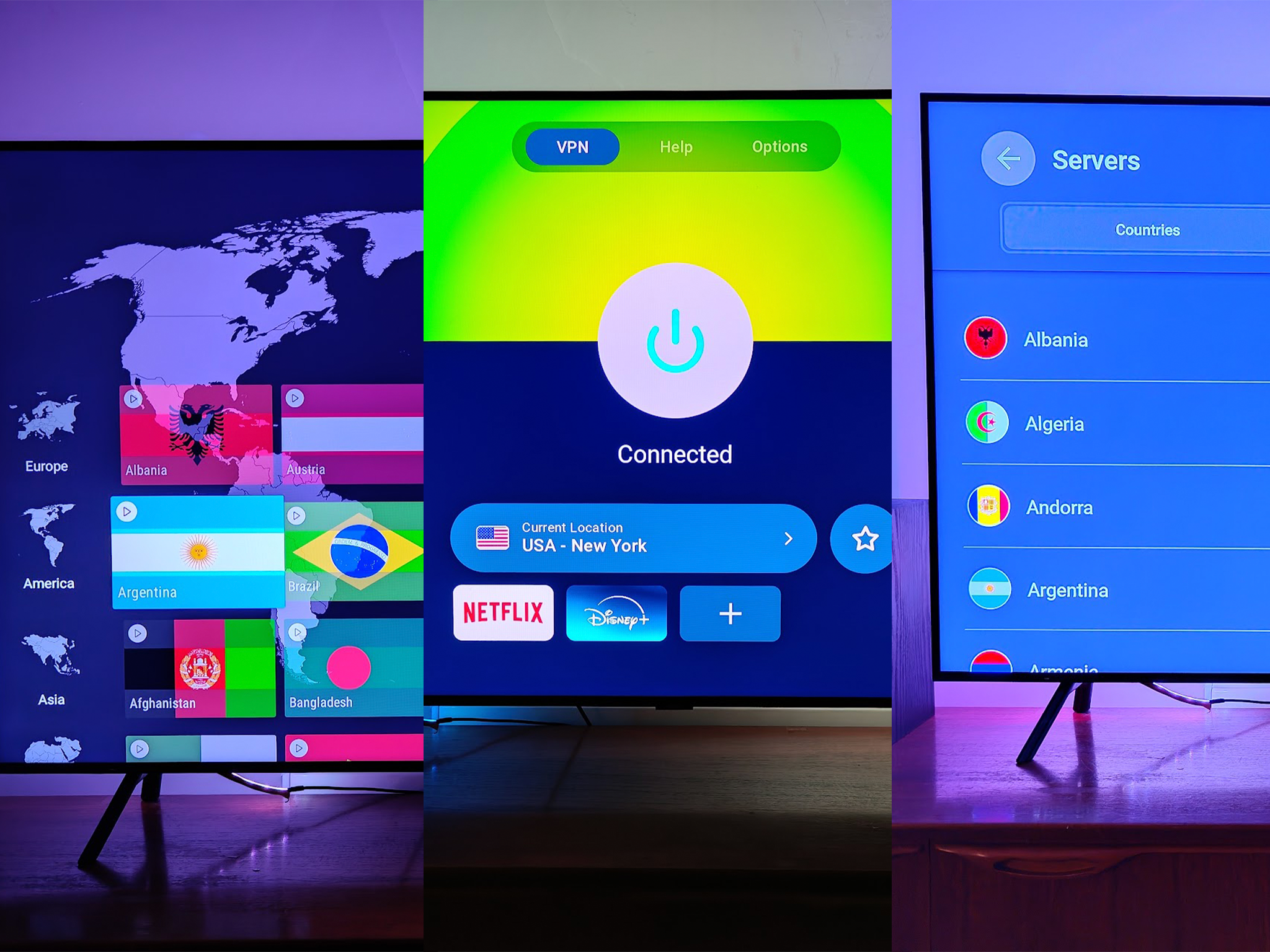
I put all of the VPNs through their paces on a Fire TV Stick 4K Max, streaming everything from Premier League action to content on streaming services and YouTube. All tests were conducted using each app’s default settings, as most users want a simple interface. For some extra context, Netflix recommends a minimum of 15 Mbps for 4K content, and 5 Mbps for HD content – a useful benchmark for assessing whether a VPN’s impact on speeds will affect video streaming. You can read how The Independent tests VPNs, and my full testing methodology can be viewed at the bottom of this article.
Read more: These are the best cheap VPNs to buy if you’re on a budget