



Your questions on iPhone VPNs answered
What are the best iPhone VPNs?
If you’re looking to get a VPN for your iPhone, my top recommendation is ExpressVPN. It’s blazingly fast, worked with every single streaming service I tried and has a beautiful user interface that’s easy to navigate and simple to use. It’s packed full of features, and you don’t lose very much with the iPhone app.
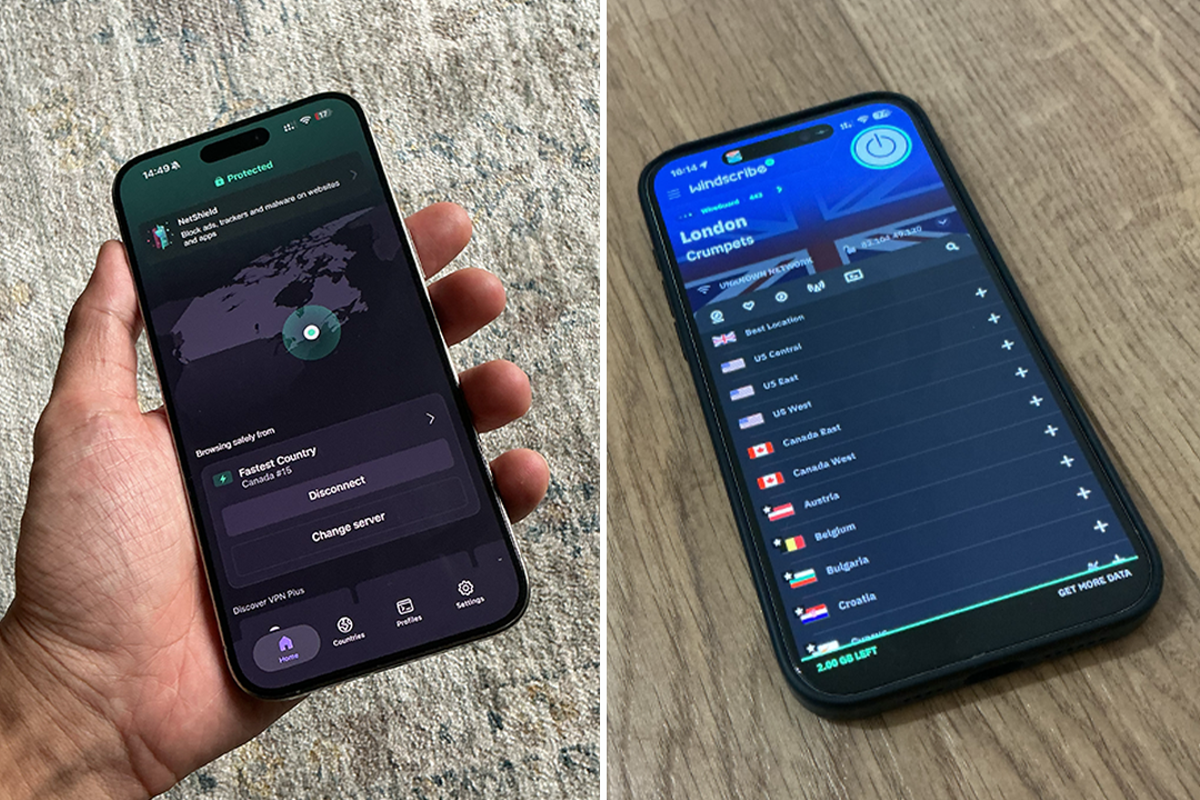
If you want something a bit more comprehensive or customisable, then I’d opt for NordVPN or Surfshark – both excellent VPN options. For a free VPN, you can’t go wrong with Windscribe and the free 10GB of data per month, a service that works with most streaming services.
Why do you need a VPN for your iPhone?
Even though Apple’s iPhone has great privacy credentials, it’s not bulletproof. Your internet provider can still see which websites you visit, and apps can still collect data about how you use their own services. A VPN encrypts your internet traffic, hides your IP address and makes it much harder for third parties, such as your ISP, to monitor your online activity. It’s also handy if you ever connect to public wifi in cafes, hotels or airports, where your data can be more exposed.
How can I use an iPhone VPN for location and encryption?
When you download a VPN, you’ll be asked to add a VPN profile in the Settings app. Once you allow this, it’s as simple as picking a country from the list and tapping “connect”. Your internet traffic gets encrypted and rerouted through that location automatically.
Does an iPhone VPN slow down your internet connection?
It can, but not by much, especially if you stick to nearby servers and VPNs that are known for their speed. You might notice a tiny dip in speed if you’re doing something data-heavy, but for most people, it’s not noticeable. The best VPNs are built to be speedy, so everything still runs smoothly in the background. ExpressVPN and NordVPN are both lightening-fast.
Is an iPhone VPN safe?
Yep, as long as you go with a decent provider. Stick to VPNs with strong encryption, a no-logs policy and ideally a few third-party audits under their belt. Avoid free ones – they’re usually the ones doing the dodgy tracking you’re trying to get away from in the first place. You can trust that every VPN here has been vetted for their trustworthiness.
What can’t an iPhone VPN do?
A VPN encrypts your internet traffic, hides your IP address and can make it look as though you’re browsing from another country, but it isn’t a replacement for good security habits. It won’t stop you from falling for phishing emails or scam texts, and it can’t protect you if you hand over personal information to a fake website. Some VPNs include extras such as malicious website blocking, ad blocking and malware protection, but these are bonus security features – you won’t get this from a pure standalone VPN.
Do I need a VPN if I have iCloud Private Relay?
They actually do different things. Apple’s iCloud Private Relay is great for basic privacy, but it only works inside the Safari browser. It won’t protect data from your other apps, like Instagram or your banking app, and it doesn’t let you change your country to stream while abroad. A VPN will cover everything you do online on your iPhone.
How do I watch Netflix on my iPhone with a VPN?
To watch Netflix with a VPN, just open your VPN app, connect to a server in the country you want to access and then launch the Netflix app. If you’re trying to access a Netflix library that you shouldn’t, it can go against the streamer’s terms of service, so be wary.
How I tested the best iPhone VPNs
I tested a number of VPNs on my iPhone 15 Pro Max to see how well they performed on iOS. I paid particular attention to speed and reliability, as well as how well they could help me stream my favourite shows while travelling abroad, staying connected to services from the UK. I also checked for strict no-logging policies to ensure my data stayed private.
As well as everything I expect from a good VPN, I also looked at other features such as multi-hop support for added privacy, split tunnelling to let you control which apps use the VPN and kill switch functionality to protect your data if the connection drops. I made sure these worked seamlessly on iPhone and weren’t just shoddy ports of the desktop application. I also assessed overall value, comparing subscription costs and free trial options to see which VPNs delivered the best experience for iPhone users. You can read The Independent’s full VPN testing methodology for more details.
Why you can trust IndyBest reviews
Alex Lee is The Independent’s senior tech critic who has written about VPNs and cybersecurity for a number of years. Having tested numerous VPNs on iPhones, he knows what works well in real-world situations, from privacy features to app usability. He also stays up to date with the latest developments in VPN technology and iOS to help you make the right choice.
Read more: CyberGhost VPN review